


The MacBook Air M4 and MacBook Pro M4 share the same chip generation, yet they are built for fundamentally different users. The Air is the world's best thin-and-light laptop; the Pro is a sustained-performance workhorse with a display that professionals reach for on purpose. Choosing between them comes down to how hard you push your machine and what you are willing to spend.
TL;DR: The MacBook Air M4 starts at $999 and weighs just 2.7 lb, making it the right pick for most users: students, knowledge workers, and everyday professionals. The MacBook Pro M4 starts at $1,599, adds an XDR display with 120 Hz ProMotion, three Thunderbolt ports, HDMI, an SD card slot, and active cooling for sustained workloads. Buy the Air unless you specifically need one of those Pro advantages.
Quick Comparison: MacBook Air M4 vs. MacBook Pro M4
Here are the key differences at a glance.
| Feature | MacBook Air M4 | MacBook Pro M4 |
|---|---|---|
| Chip | M4 (10-core CPU, 8 or 10-core GPU) | M4, M4 Pro, or M4 Max |
| Display | 13.6" or 15.3" Liquid Retina (500 nits) | 14.2" or 16.2" Liquid Retina XDR (1,000 nits sustained, 1,600 nits HDR peak) |
| Refresh rate | 60 Hz | Up to 120 Hz (ProMotion) |
| Active cooling | No (fanless) | Yes |
| MagSafe | Yes | Yes |
| HDMI port | No | Yes (14" and 16") |
| SD card slot | No | Yes (14" and 16") |
| Thunderbolt ports | 2 x Thunderbolt 4 | 3 x Thunderbolt 4 (14"); 3 x Thunderbolt 5 (16" M4 Pro/Max) |
| Weight | From 2.7 lb (13") | From 3.4 lb (14") |
| Battery life | Up to 18 hours | Up to 24 hours |
| Starting price (new) | $999 | $1,599 |
| Starting price (refurbished) | From $826 | From $1,215 |
See live refurbished MacBook prices on RefurbMe
Performance: When the Fanless Design Matters
Both machines run Apple's M4 chip, a 10-core CPU (4 performance cores, 6 efficiency cores) and 16-core Neural Engine capable of up to 38 trillion operations per second. Memory bandwidth is 120 GB/s on both models. In short bursts, the MacBook Air M4 matches the base MacBook Pro M4 on single-core and multi-core benchmarks.
The difference emerges during sustained workloads.
Without a fan, the Air manages heat by gradually reducing clock speeds after several minutes of heavy computation. Compile a large Xcode project, run a long Final Cut export, or keep a machine learning model training overnight, and the Pro's active cooling lets it sustain peak performance indefinitely. For most people, that threshold never arrives in daily use.
The MacBook Pro M4 also comes in M4 Pro and M4 Max configurations. The M4 Pro adds a 12-core or 14-core CPU, a 16-core or 20-core GPU, and up to 48 GB unified memory. The M4 Max doubles down with up to a 16-core CPU, 40-core GPU, and 128 GB RAM. If you work in 3D rendering, high-resolution video, or scientific computation, those tiers are genuinely transformative.
For students, writers, developers doing routine coding, and anyone browsing, video calling, or running office software, the Air's M4 is more than enough. It remains one of the fastest thin-and-light laptops ever made.
Display: Liquid Retina vs. Liquid Retina XDR
This is the clearest qualitative divide between the two machines.
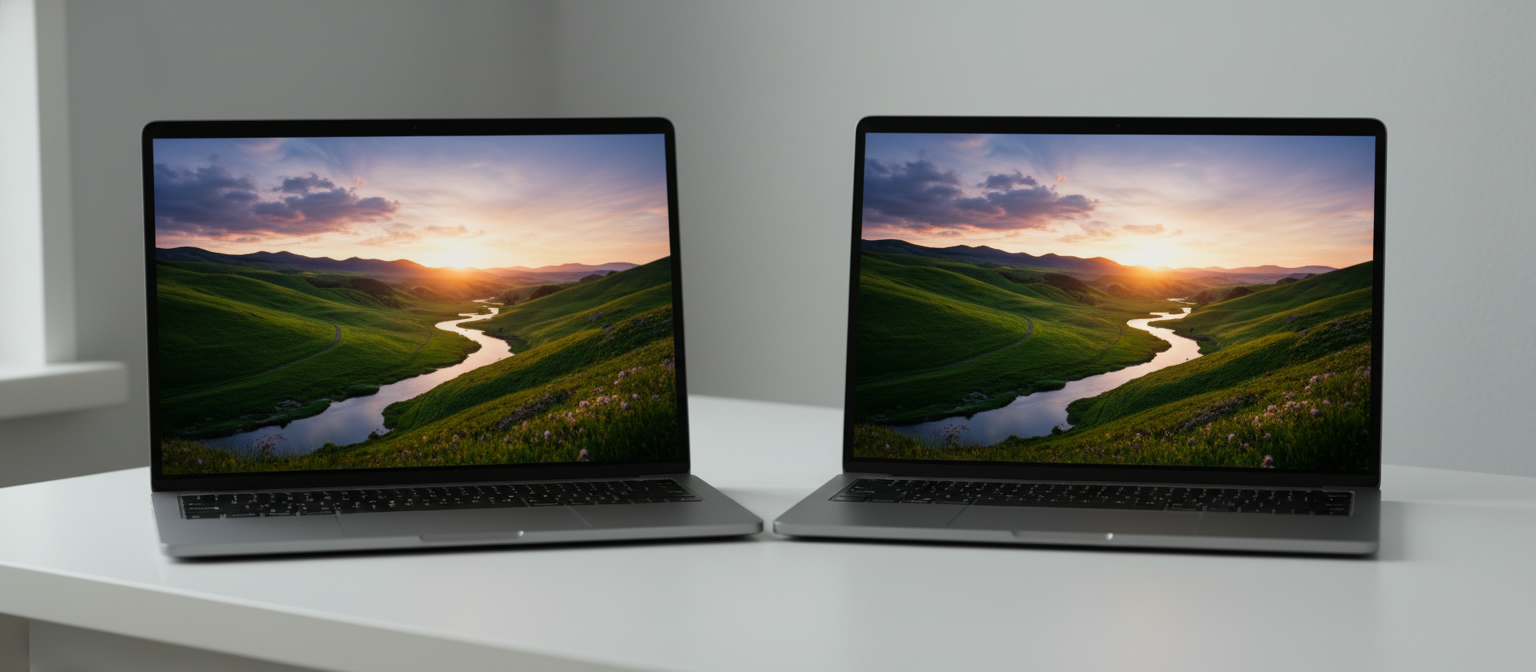
The MacBook Air M4 uses a Liquid Retina display: bright at 500 nits, accurate colors, and excellent for everyday tasks. Its refresh rate is a fixed 60 Hz.
The MacBook Pro M4 uses a Liquid Retina XDR panel with ProMotion adaptive refresh up to 120 Hz. That higher refresh rate makes scrolling, animations, and cursor movement noticeably smoother. XDR brightness hits 1,000 nits sustained and 1,600 nits peak for HDR content. The contrast ratio, handled by a mini-LED backlight with local dimming zones, produces true blacks that the Air's panel cannot replicate.
For video editors grading footage, photographers color-correcting images, and anyone producing HDR content, the XDR screen is a professional tool. For everyone else, the Air's Liquid Retina is genuinely beautiful and perfectly capable.
Design and Portability
The MacBook Air is the thinner, lighter machine by a meaningful margin.
The 13-inch Air M4 weighs 2.7 lb and measures just 0.44 inches thick. The 15-inch Air M4 weighs 3.3 lb. The 14-inch MacBook Pro M4 weighs 3.4 lb; the 16-inch model reaches 4.7 lb.
For a student carrying a laptop across campus or a professional packing for a transatlantic flight, those differences compound quickly. The Air slides into a sleeve and disappears; the 16-inch Pro demands a proper backpack.
Both machines use an all-aluminum chassis. The Air comes in four colors: Midnight, Starlight, Sky Blue, and Silver. The Pro ships in Space Black and Silver, signaling its professional orientation.
Battery Life
Apple claims up to 18 hours of video streaming for the MacBook Air M4 and up to 24 hours for the MacBook Pro M4 14-inch. Real-world results vary by workload and brightness, but both machines comfortably last a full working day without hunting for an outlet.
The Pro's larger 72.4 Wh battery compensates for its heavier chassis and more powerful chip tiers. If you configure an M4 Pro or M4 Max, battery endurance drops under sustained heavy compute loads.
For light-to-moderate users, the Air's 18-hour rating is outstanding for its size. You will rarely feel limited.
Ports and Connectivity
This is where the MacBook Pro M4 offers a concrete practical advantage.
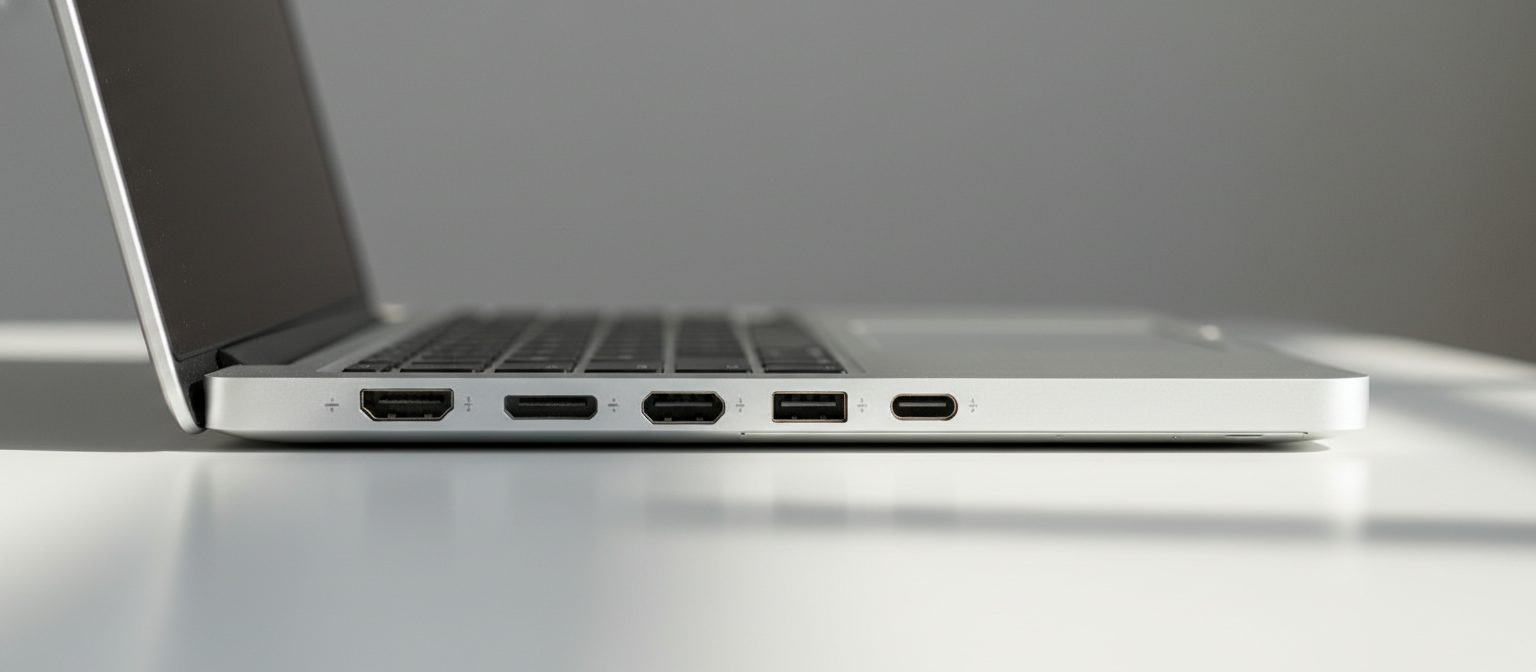
The MacBook Air M4 has two Thunderbolt 4 ports and a MagSafe 3 charging port. No HDMI. No SD card slot. Connecting an external monitor, external storage, and a display simultaneously requires a hub or dock.
The MacBook Pro M4 14-inch and 16-inch both add an HDMI 2.1 port and an SDXC card reader alongside three Thunderbolt 4 ports (or Thunderbolt 5 on M4 Pro/Max 16-inch models). For photographers offloading RAW files, video editors pulling footage from an SD card, or presenters plugging directly into a conference room display, those extra ports eliminate a bag full of adapters.
Professionals who manage multiple peripherals will feel the Air's port limitations daily. Creative users who connect to external displays and storage devices regularly should factor a quality hub into the Air's real cost.
Camera and Audio
Both machines include a 12-megapixel Center Stage webcam with support for Desk View, a significant upgrade from earlier generations. Video call quality is excellent on both.
The speaker systems diverge in scale. The 16-inch MacBook Pro M4 has a six-speaker sound system with force-canceling woofers and Spatial Audio support, among the best laptop speakers available. The 13-inch Air M4 has a four-speaker system and the 15-inch Air a six-speaker system; both sound impressive for their size but cannot match the 16-inch Pro's volume or bass response.
For most users, both are excellent. If you watch movies at your desk without headphones, the 16-inch Pro's speakers are noticeably richer.
Storage and Memory Options
Both machines start with 16 GB unified memory. The Air M4 tops out at 32 GB. The MacBook Pro M4 reaches 48 GB with the M4 Pro chip and 128 GB with M4 Max.
Storage starts at 256 GB on the Air and 512 GB on the base Pro. Configuring to 512 GB or more is wise given modern app sizes. The Air M4 goes up to 2 TB; the Pro scales to 8 TB on higher chip tiers.
Memory matters for users keeping dozens of browser tabs open alongside virtual machines, large audio projects, or complex spreadsheets. 16 GB handles everyday tasks comfortably; power users should budget for 24 GB or 32 GB minimum.
Pricing: New vs. Refurbished
New pricing creates a significant gap between the two lines.
| Configuration | New Price |
|---|---|
| MacBook Air M4 13-inch (16 GB / 256 GB) | $999 |
| MacBook Air M4 15-inch (16 GB / 256 GB) | $1,199 |
| MacBook Pro M4 14-inch (16 GB / 512 GB) | $1,599 |
| MacBook Pro M4 16-inch (24 GB / 512 GB) | $2,499 |
Buying refurbished narrows that gap considerably. Refurbished MacBook Air M4 models start from around $826 on RefurbMe, and refurbished MacBook Pro M4 models start from around $1,215. That represents savings of 15-25% below retail, enough to upgrade storage, buy a quality hub, or cover several months of software subscriptions.
RefurbMe compares prices across Apple's Certified Refurbished store, Amazon Renewed, Back Market, Gazelle, and other vetted resellers in the US, Canada, and UK. All listed machines go through professional refurbishment, come with warranties, and are graded for cosmetic condition.
Browse refurbished MacBook deals on RefurbMe to see current prices across all resellers.
Who Should Buy the MacBook Air M4?
The Air M4 is the right choice for the majority of laptop buyers. It is the better option if you:
- Are a student or knowledge worker handling everyday computing tasks
- Prioritize portability and battery life over sustained performance
- Do not need ports beyond USB-C and MagSafe
- Want an outstanding laptop at a lower price point
- Work in environments where the Liquid Retina display satisfies
It also makes an excellent recommendation for anyone heading to college who wants a capable machine that lasts through a four-year degree without feeling underpowered. If you are weighing the overall value of Apple's laptop lineup, Are MacBooks Worth It? covers the full picture.
Who Should Buy the MacBook Pro M4?
The Pro M4 earns its premium for users who need more. Consider it if you:
- Edit video professionally, especially 4K or higher resolution footage
- Work in audio production, 3D rendering, or machine learning
- Need the ProMotion display for smooth 120 Hz scrolling and HDR accuracy
- Rely on HDMI and SD card ports daily without carrying a hub
- Benefit from sustained CPU and GPU performance during hours-long workloads
- Need more than 32 GB of unified memory
If you are coming from an Intel MacBook, both options represent a dramatic generational leap. The Apple M1 vs. Intel MacBook Pro debate is settled history; the M4 generation widens that gap further still.
The Bottom Line
The MacBook Air M4 wins on price, portability, and simplicity. It is quiet (no fans), lighter, cheaper, and a pleasure to use daily. For most buyers, including most professionals, it is the better value.
The MacBook Pro M4 wins on sustained performance, display quality, connectivity, and headroom. If you push your machine hard every day, need the ProMotion screen, or require ports that the Air cannot provide natively, the Pro justifies its higher price.
Both machines are exceptional. The question is not which is better in absolute terms; it is which fits your work. If you are unsure, start with the Air. If you know you need more, the Pro delivers it.
Whether you choose the Air or the Pro, buying refurbished is one of the smartest ways to save. Compare MacBook Air and MacBook Pro deals across every major reseller on RefurbMe to find the best price available today. You can also read Are Refurbished MacBooks Good? and 7 Best Refurbished MacBooks to Buy for more guidance.
Frequently Asked Questions
Sources: MacBook Air M4 technical specifications and MacBook Pro M4 technical specifications via Apple Support; Apple M4 chip announcement via Apple Newsroom; RefurbMe live pricing data.
First published: May 29, 2026