


The iPad is the best tablet for taking notes. A large screen, precise Apple Pencil support, and a growing library of dedicated apps make it a genuine replacement for paper notebooks, loose-leaf binders, and sticky-note chaos. The challenge is choosing the right app.
This guide ranks the 10 best note-taking apps for iPad in 2026, covering handwriting quality, pricing, sync, and the use cases each one actually serves.
How We Picked These Apps
Every app on this list was evaluated against four criteria:
- Apple Pencil support: Responsiveness, pressure sensitivity, and palm rejection quality.
- Handwriting recognition: Can you search or convert handwritten notes to text?
- Sync and portability: Does your notebook follow you to Mac, Windows, or Android?
- Pricing transparency: One-time purchase, subscription, or genuinely useful free tier?
Apps that excel in all four areas sit at the top. Specialist tools that dominate a single category earn their place further down.
1. GoodNotes 6: Best Overall
Price: ~$29.99 (one-time) or free tier | Platform: iPad, iPhone, Mac | View on the App Store
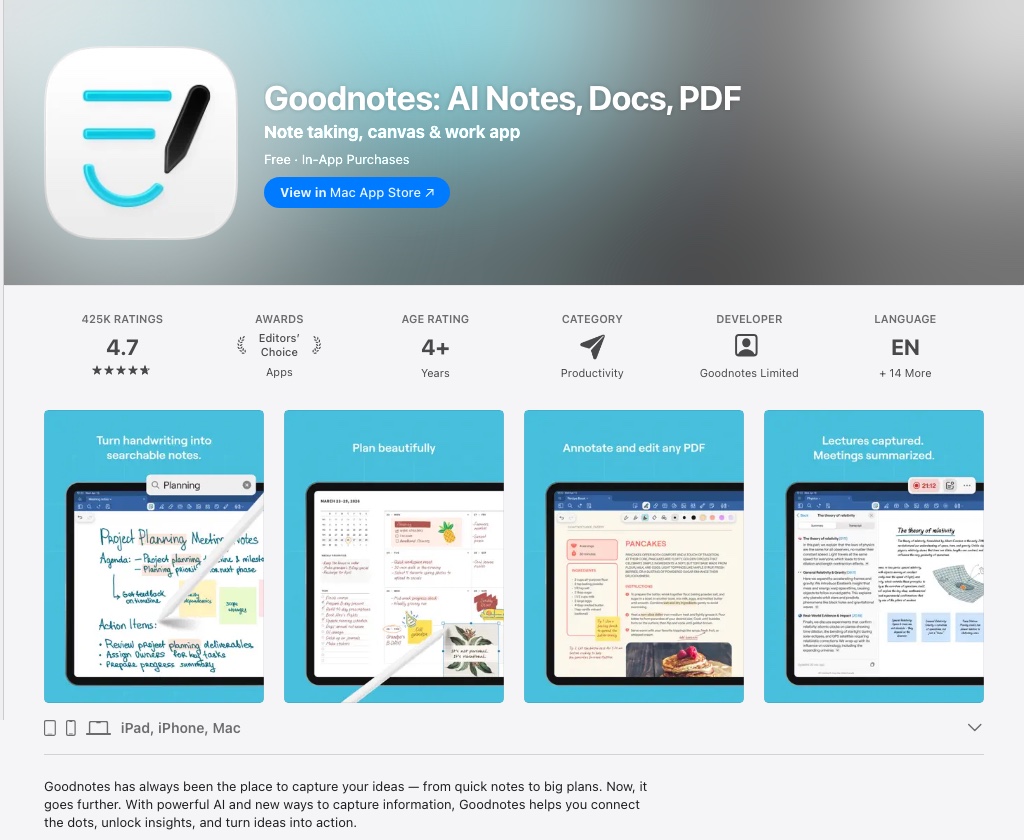
GoodNotes 6 is the standard against which every other iPad note-taking app is measured. The writing experience is smooth and low-latency, the page templates are extensive, and the OCR engine lets you search handwritten text across every notebook you have ever created.
What keeps GoodNotes at the top is its combination of depth and simplicity. You can annotate PDFs, create custom templates, organize notebooks into folders, and convert handwriting to editable text, all without wading through settings menus. GoodNotes still offers a one-time purchase alongside its free tier and newer subscription plans, a flexibility that is increasingly rare.
Strengths: Outstanding Apple Pencil feel, searchable handwriting, PDF annotation, one-time purchase option. Weaknesses: Apple ecosystem only; no Windows or Android app.
2. Notability: Best for Audio Sync
Price: $19.99/year (free tier available) | Platform: iPad, iPhone, Mac | View on the App Store
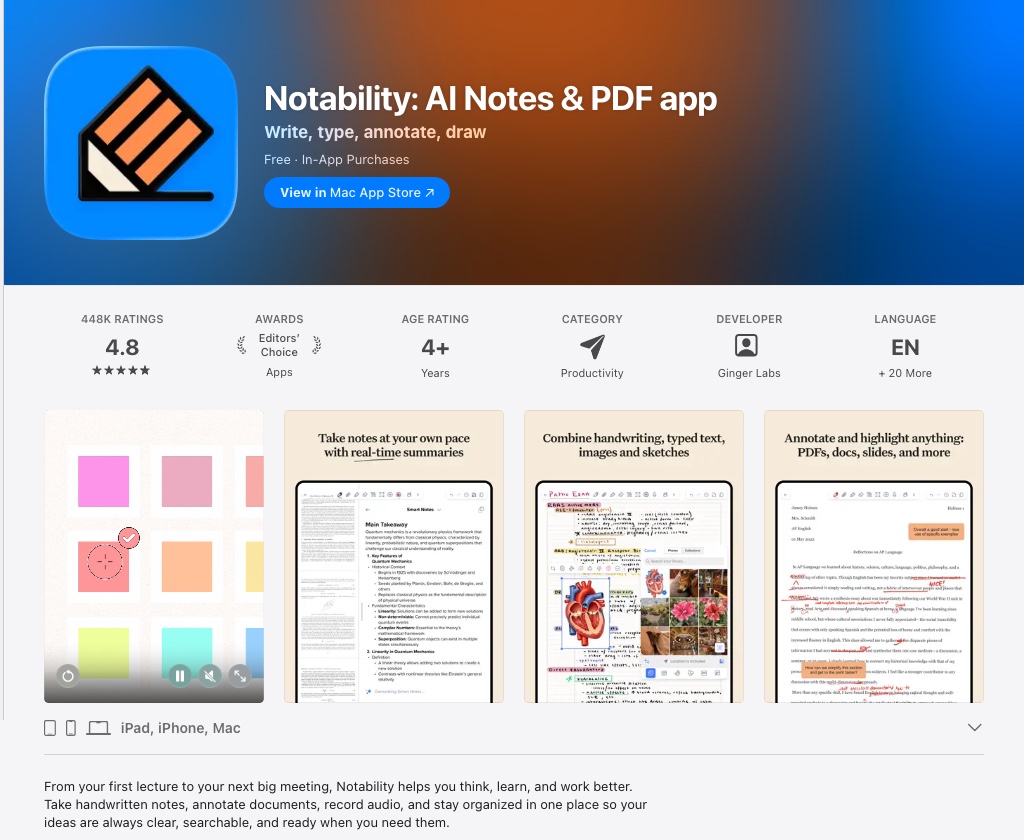
Notability's defining feature is audio recording synchronized with your notes. Tap any word in a typed or handwritten note and the recording jumps to the exact moment you wrote it. For students in lectures or professionals in meetings, this is a genuine productivity multiplier.
The app shifted to a subscription model a few years ago, which caused friction among existing users. The upside is that updates arrive regularly. Handwriting recognition, multi-note windows, and a clean interface make it a strong GoodNotes alternative for anyone who records audio alongside their notes.
Strengths: Audio-synced notes, clean UI, strong handwriting tools. Weaknesses: Subscription required; no Windows or Android support.
3. Apple Notes: Best Free Option
Price: Free (built into iPadOS) | Platform: iPad, iPhone, Mac, iCloud.com | Apple Notes User Guide
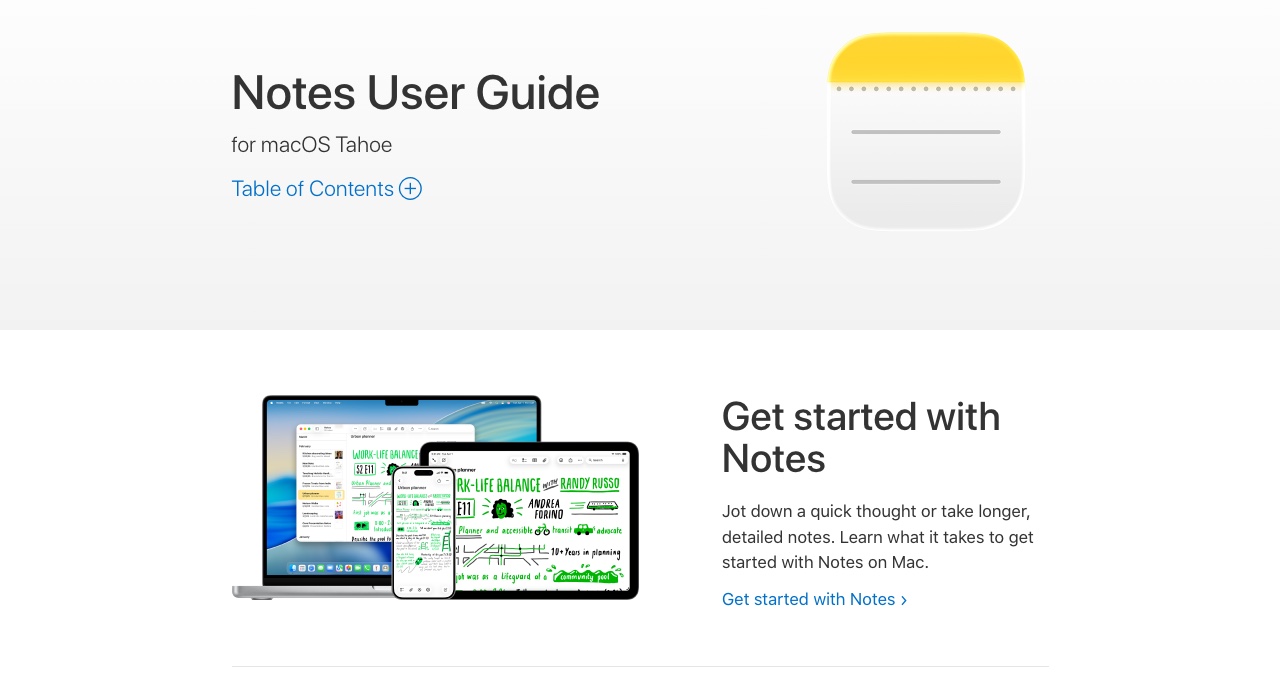
Apple Notes is underrated. It ships on every iPhone, iPad, and Mac, syncs instantly through iCloud, and supports handwriting-to-text conversion through Scribble, which Apple introduced in iPadOS 14. You can also lock individual notes with Face ID, collaborate in real time, and use Quick Note to capture thoughts from anywhere in iPadOS.
It will not replace GoodNotes for serious handwriting workflows. The page layout is limited and the organizational system lacks the depth of dedicated apps. But for everyday notes, meeting captures, and typed memos, it is the fastest app you already own.
Strengths: Free, seamless iCloud sync, improving handwriting tools, zero setup. Weaknesses: Limited layouts, no Windows or Android access, no advanced stylus pressure control.
4. Noteshelf 3: Best for Cross-Platform Users
Price: ~$7.99 (one-time) | Platform: iPad, iPhone, Mac, Android | View on the App Store
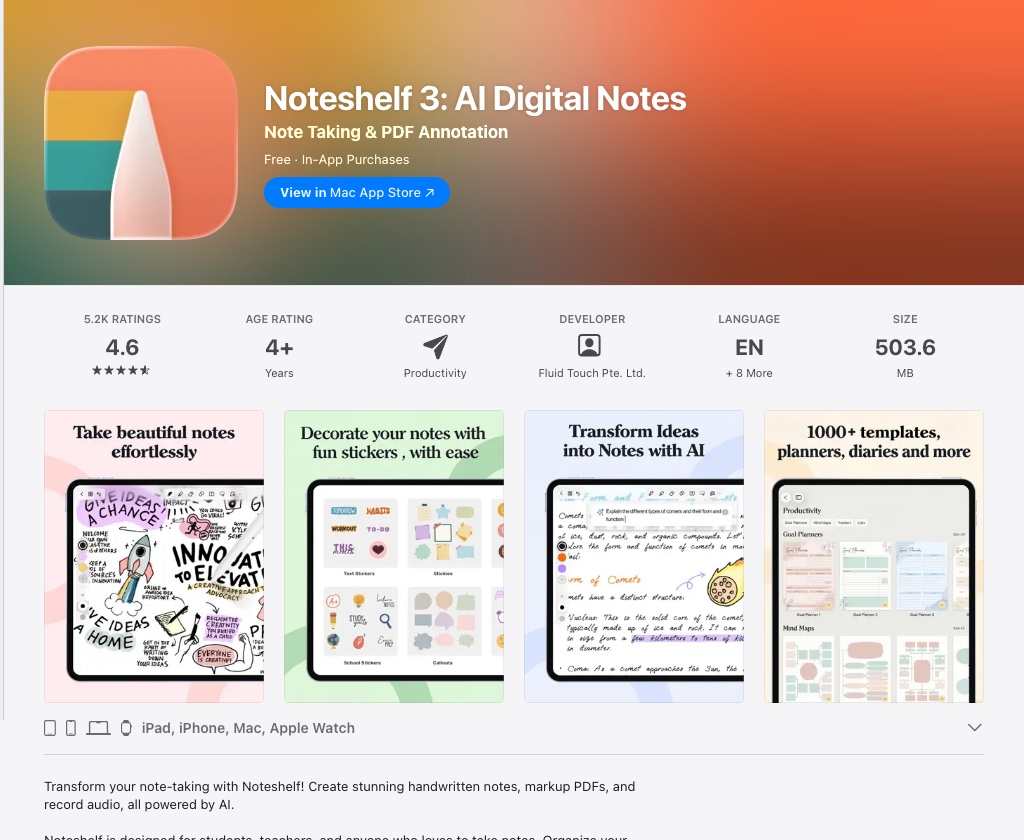
Noteshelf 3 deserves more attention than it gets. It combines a rich handwriting engine with multi-cloud sync (Dropbox, OneDrive, and Google Drive are all supported), and it is one of the few premium note-taking apps with a full Android client. If you work across an iPad and an Android phone or a Windows laptop, Noteshelf removes the platform lock-in that plagues GoodNotes and Notability.
Customizable pressure curves, shape recognition, and a wide template library round out a well-designed package. The one-time pricing is a bonus.
Strengths: Cross-platform including Android, one-time price, flexible sync, excellent pressure control. Weaknesses: Smaller community than GoodNotes; some advanced features lag competitors.
5. Microsoft OneNote: Best Free Cross-Platform App
Price: Free (Microsoft 365 subscription adds premium features) | Platform: iPad, iPhone, Mac, Windows, Android, Web | View on the App Store
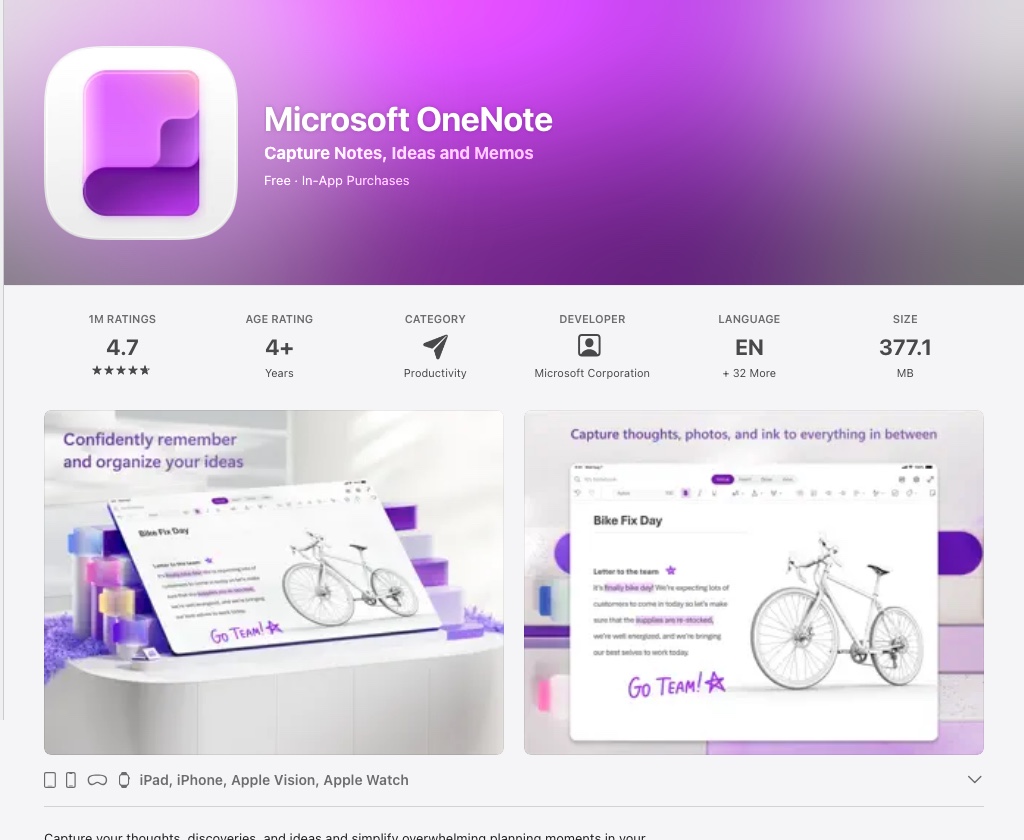
OneNote is the only app on this list that works equally well on iPad, Windows, Android, and every major web browser. If your workplace runs Microsoft 365, notebooks live in OneDrive and stay current across every device without any configuration.
Apple Pencil support has improved significantly over the years. Handwriting-to-text conversion is available, and the free tier is generous. The tradeoff is a less polished stylus experience compared to iPad-native apps like GoodNotes.
Strengths: Truly cross-platform, free tier, Microsoft 365 integration, real-time collaboration. Weaknesses: Heavier interface, Apple Pencil feel less refined than specialist apps.
6. MyScript Notes (formerly Nebo): Best Handwriting Recognition
Price: Free trial (premium ~$1.99/month, ~$7.99/year, or ~$24.99 one-time) | Platform: iPad, iPhone, Mac, Android, Windows | View on the App Store
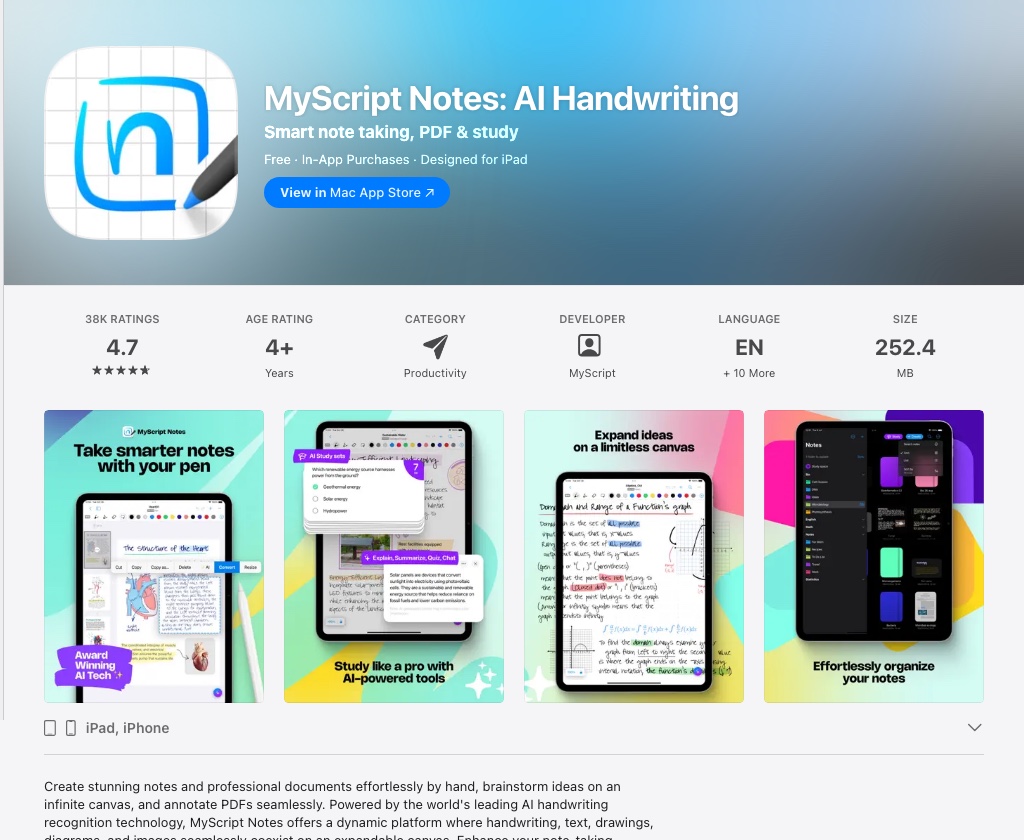
MyScript Notes, the app renamed from Nebo in 2025, has handwriting recognition in a class of its own. Built on MyScript's technology, it converts handwriting to formatted text in real time, not after the fact as with most apps. You write a title, it becomes a heading. You write a list, the app formats it as a bullet list. Mathematical equations are recognized and rendered correctly.
For researchers, academics, or anyone who writes rather than types, MyScript Notes turns the iPad into something closer to a smart whiteboard. The interface is minimal, which suits the workflow.
Strengths: Best-in-class real-time handwriting conversion, math recognition, cross-platform. Weaknesses: Subscription for full features; not ideal as a general-purpose notebook app.
7. Bear: Best for Writers and Markdown Users
Price: Free (Bear Pro ~$2.99/month or ~$29.99/year) | Platform: iPad, iPhone, Mac | View on the App Store
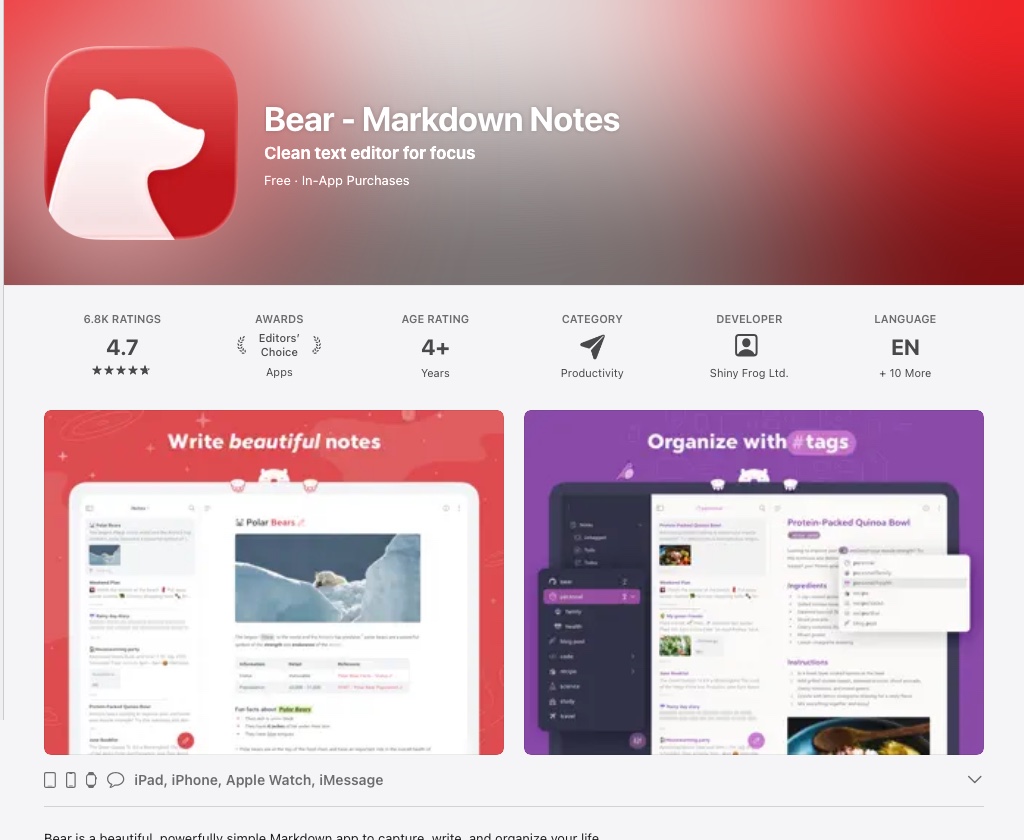
Bear is a writing app that happens to run on iPad, not an iPad app that supports writing. The distinction matters. It uses Markdown natively, syncs through iCloud, and presents a distraction-free editor that makes long-form writing a pleasure. Tags replace folders as the organizational model, which works well once you adapt to it.
Apple Pencil support is limited: Bear is built for typed text. But for drafting articles, capturing research, and maintaining a personal knowledge base, no iPad app matches its combination of aesthetics and speed.
Strengths: Beautiful Markdown editor, fast iCloud sync, excellent for text-heavy notes. Weaknesses: Not designed for handwriting; Apple-only ecosystem.
8. Craft: Best for Document Creation
Price: Free (Craft Plus ~$10/month or ~$96/year) | Platform: iPad, iPhone, Mac, Web | View on the App Store
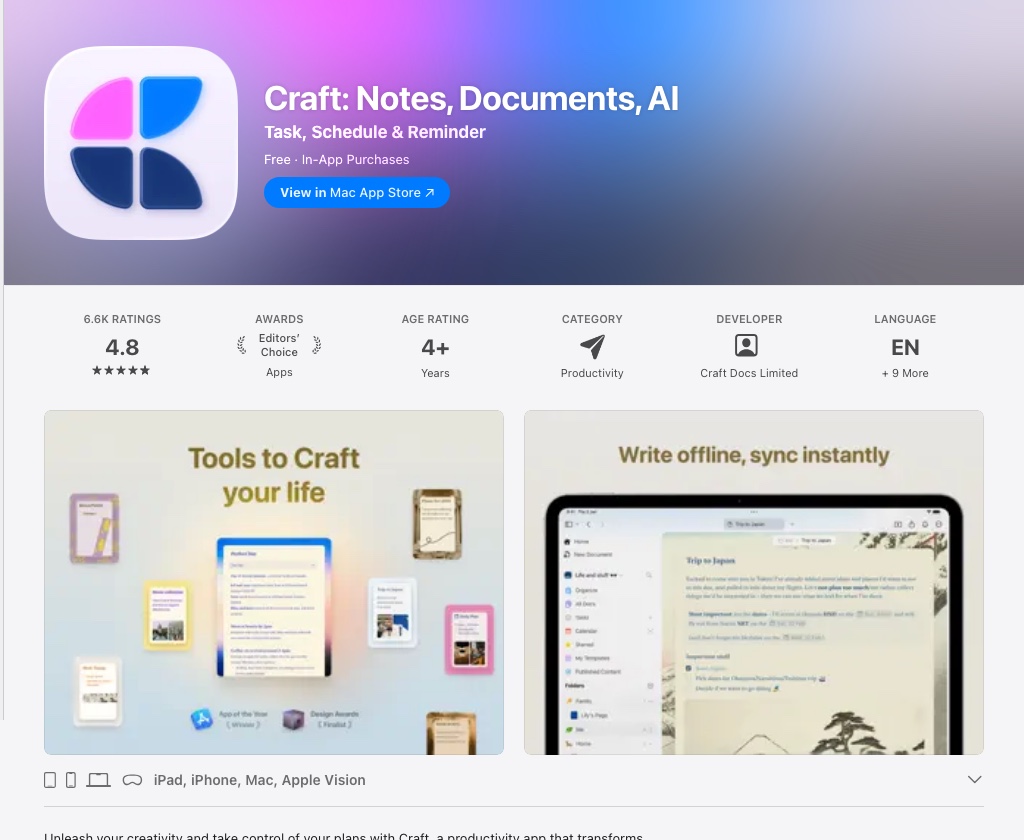
Craft blurs the line between note-taking and document creation. Notes become shareable pages. Pages become polished documents. Embedded content (links, images, tables, nested blocks) can be arranged visually in a way that feels native to iPadOS.
The free tier is functional, and the Apple Pencil integration handles annotation and drawing well. Craft is less suited to raw handwriting capture than GoodNotes, but for teams that want to build structured knowledge bases or create documents collaboratively, it offers something no other app on this list does.
Strengths: Document-quality output, collaboration, beautiful UI, strong free tier. Weaknesses: Plus tier is pricey; not optimized for freeform handwriting.
9. Evernote: Best for Web Clipping and Research
Price: Free (limited); paid from ~$8.25/month | Platform: iPad, iPhone, Mac, Windows, Android, Web | View on the App Store
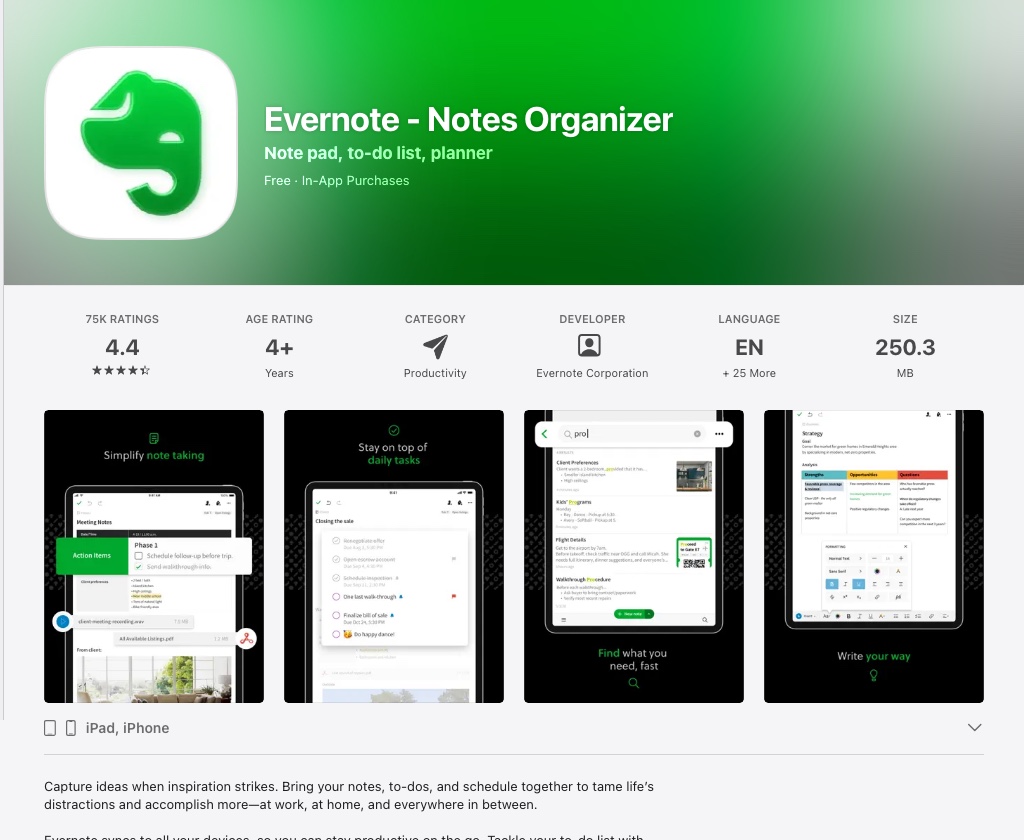
Evernote was the dominant note-taking app for a decade. It has lost ground to more focused competitors, but its web clipper (the ability to save articles, PDFs, and screenshots directly from any browser) remains best-in-class. Search across attachments, notebooks, and tags is genuinely powerful.
Apple Pencil support is basic compared to GoodNotes or Notability. Evernote's strength lies in organizing information from the web rather than creating handwritten notes from scratch.
Strengths: Best web clipper, strong search, cross-platform, document management. Weaknesses: Pricing has increased significantly and the free tier is now tightly limited; stylus experience not competitive with dedicated apps.
10. CollaNote: Best Free Handwriting App
Price: Free | Platform: iPad, iPhone | View on the App Store
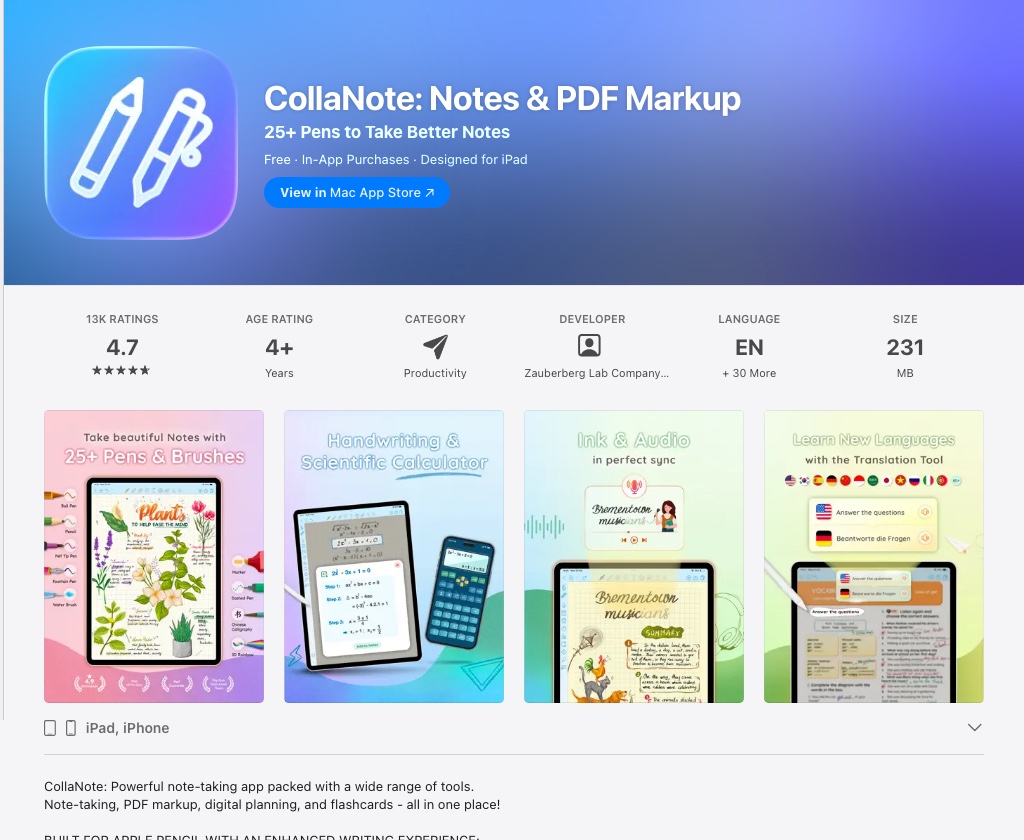
CollaNote earns its place on this list for one reason: it is free and genuinely good. The handwriting engine is smooth, PDF annotation works well, and the app supports real-time collaboration, rare for a free iPad note-taking app. If you want to try stylus-based note-taking before committing to GoodNotes or Notability, CollaNote is the best starting point.
Strengths: Free, solid Apple Pencil support, real-time collaboration. Weaknesses: Smaller feature set than paid apps; limited sync options; fewer templates.
Comparison Table
| App | Price | Apple Pencil | Handwriting-to-Text | Platforms | Best For |
|---|---|---|---|---|---|
| GoodNotes 6 | ~$29.99 one-time | Excellent | Yes | iPad, Mac | Best overall |
| Notability | Free / $19.99/yr | Excellent | Yes | iPad, Mac | Audio sync |
| Apple Notes | Free | Good | Yes (basic) | Apple + Web | Free everyday use |
| Noteshelf 3 | ~$7.99 one-time | Excellent | Yes | iPad, Mac, Android | Cross-platform |
| OneNote | Free / M365 | Good | Yes | All platforms | Microsoft users |
| MyScript Notes | Free / $7.99/yr | Excellent | Real-time | iPad, Android, Win | Handwriting converts |
| Bear | Free / $29.99/yr | Limited | No | Apple only | Writers |
| Craft | Free / $96/yr | Good | Limited | iPad, Mac, Web | Document creation |
| Evernote | Free / from $8.25/mo | Basic | Basic | All platforms | Web clipping |
| CollaNote | Free | Good | Limited | iPad, iPhone | Free starter app |
Which iPad Is Best for Note-Taking?
Any modern iPad works for typed notes. For serious handwriting workflows, the screen size and Apple Pencil generation matter.
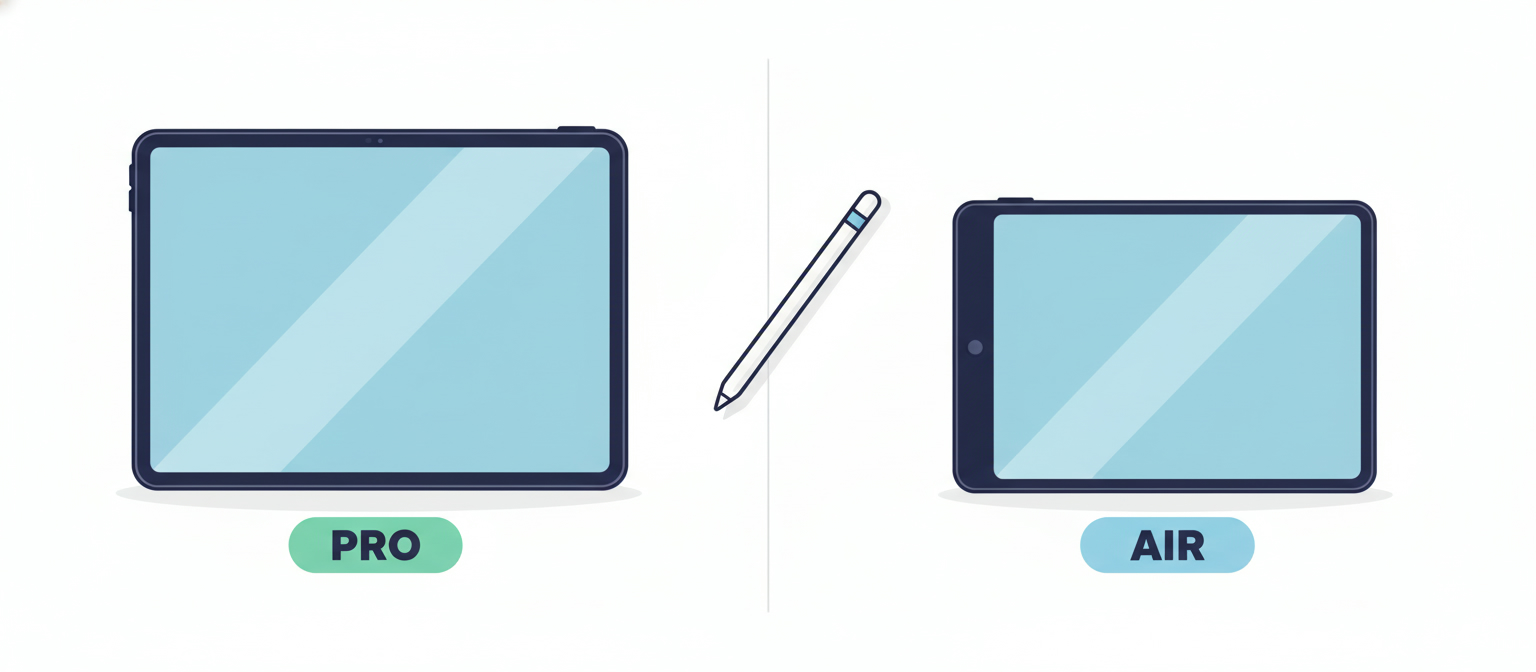
iPad Pro (11-inch or 13-inch): The best screen for handwriting. ProMotion at 120Hz makes the Pencil feel like pen on paper. The current M4 model supports Apple Pencil Pro and Apple Pencil (USB-C). The 13-inch model is ideal for students who annotate large lecture slides or A4-format PDFs.
iPad Air (11-inch or 13-inch, M2/M3/M4): Nearly as good as the Pro at a lower price. Supports Apple Pencil Pro and Apple Pencil (USB-C). The M-series chips handle every note-taking app without hesitation.
iPad mini: Portable enough to carry everywhere, which makes it popular for quick capture. The 8.3-inch screen limits how much of a document fits on screen at once: fine for meeting notes, less ideal for annotating research papers.
iPad (standard model): Supports Apple Pencil (1st gen or USB-C). Capable for general note-taking; the 60Hz display is less responsive to fast handwriting than the Pro or Air.
If you are buying refurbished, a previous-generation iPad Pro or iPad Air delivers the best note-taking experience at a significant discount. You can compare refurbished iPad prices across all major sellers on RefurbMe.
FAQ
The Best iPad for Note-Taking Starts with the Right Device
Choosing the right app matters. So does choosing the right hardware. A refurbished iPad Pro or iPad Air gives you the Apple Pencil compatibility, ProMotion display, and processing headroom that make every app on this list perform at its best, at a fraction of new retail pricing.
RefurbMe compares refurbished iPad prices from Apple, Amazon Renewed, Back Market, and other trusted sellers in one place. You see condition grades, warranty details, and the lowest available price without visiting a dozen websites.
- Compare refurbished iPad deals
- iPad Pro refurbished prices
- iPad Air refurbished prices
- Refurbished Apple Pencil prices
You might also find these guides useful:
Last updated: May 22, 2026 · First published: Apr 10, 2026